For employers and search committees
Where Your Claude Limit Goes
By F. Jay Hall · Updated November 6, 2026
If your team uses Claude to draft job descriptions, sort through candidate materials or prepare a memo for the board, you have probably seen the notice that you have reached your usage limit. It tends to arrive in the middle of something due that afternoon.
The limit is not a count of messages. It tracks how much Claude has to read and write, and most of that is reading. Each time you send a message, Claude reads the whole conversation again, along with every file attached to it. A short question at the bottom of a long chat costs far more than the same question in a new one.
Five habits account for most of the waste we see. Each one has a simple fix.
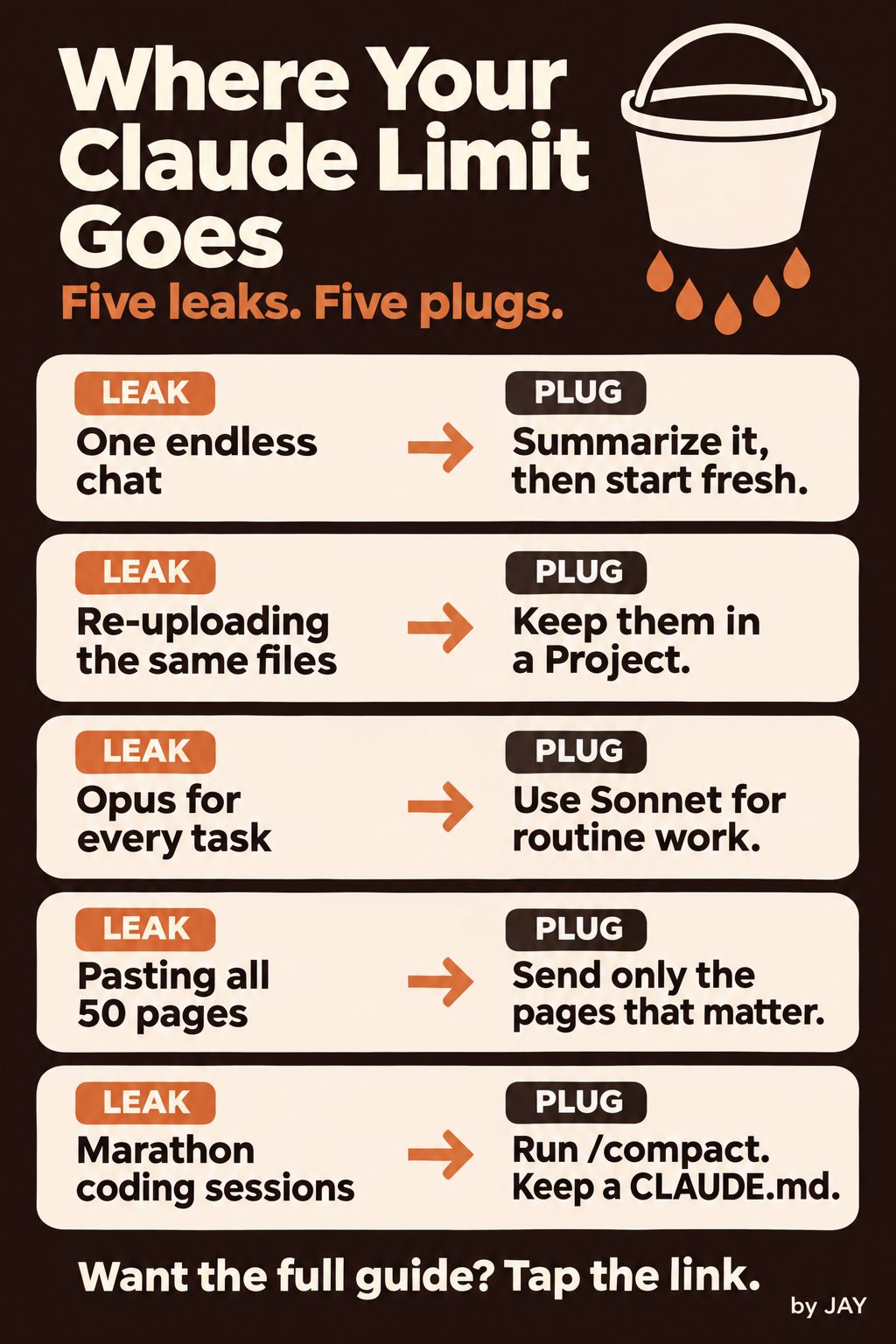
1. One endless chat
The leak
A search committee chat opened in August to draft the position profile is still running in November. It now holds interview notes, reference summaries and two versions of the offer letter. Every new question pays to reread all of it.
The plug
When a stage of the work is finished, ask Claude for a short summary of what was decided and what is still open. Copy it, open a new chat and paste the summary at the top. Anthropic's own guidance is to start a new conversation when a long chat nears the limit, and to keep one topic per chat.
2. Re-uploading the same files
The leak
The strategic plan, the salary survey and the board roster get uploaded again every time someone on the team opens a new chat.
The plug
Put the documents you use over and over into a Project. Anthropic says files in a Project's knowledge are cached, so referring back to them uses less of your limit than uploading them fresh. One Project per search works well: the position profile, the approved salary range, the committee list and the interview scorecard, all in one place.
3. Opus for every task
The leak
The largest model gets used to fix a typo in a posting or turn interview notes into a thank-you email.
The plug
Use Sonnet for routine drafting, formatting and summaries. Save Opus for work that needs careful reasoning, such as weighing finalists against a scorecard or working through a compensation question with several moving parts. Where your plan offers an effort setting, turn it down for simple requests. Anthropic notes that higher effort uses more of your limit.
4. Pasting all 50 pages
The leak
Someone pastes a full Form 990, an entire audit or forty resumes when the question is about one section.
The plug
Send the part that answers the question. If you want an organization's executive pay from its 990, Part VII and Schedule J are where it lives. For a large applicant pool, screen against your must-haves first and bring Claude the shortlist. Turn off connectors and web search in chats that do not need them, since those add to what Claude reads as well.
5. Marathon coding sessions
The leak
If your team uses Claude Code to maintain a careers page or an applicant workflow, a session that runs all day carries every file it has opened into every new request.
The plug
Run /clear between unrelated tasks so the next one does not pay for the last one's history. Run /compact when a long task has to keep going; it condenses the session into a summary. Keep a CLAUDE.md file in the project with your standing instructions so nobody has to explain them again each session. One caution from Anthropic's documentation: compacting is itself a large request, so do it at a natural break, not after every step.
If the long task is a job description
Much of the Claude time we see on nonprofit hiring teams goes into job descriptions. Start from the ExecSearches job description library instead of a blank page, or build a draft with the free nonprofit C-suite job description builder, then bring Claude only the sections you want to change. When the description is final, post the opening on ExecSearches.
Usage limits and cache times change from plan to plan and from month to month. Your plan's Usage page in Claude settings shows where you stand.
Sources
- Usage limit best practices, Claude Help Center
- How do usage and length limits work?, Claude Help Center
- Best practices for Claude Code, Claude Code documentation
- How Claude Code uses prompt caching, Claude Code documentation
Founder, ExecSearches.com. Has run ExecSearches.com since 1999.